Settings
Open Settings in the app’s left navigation.
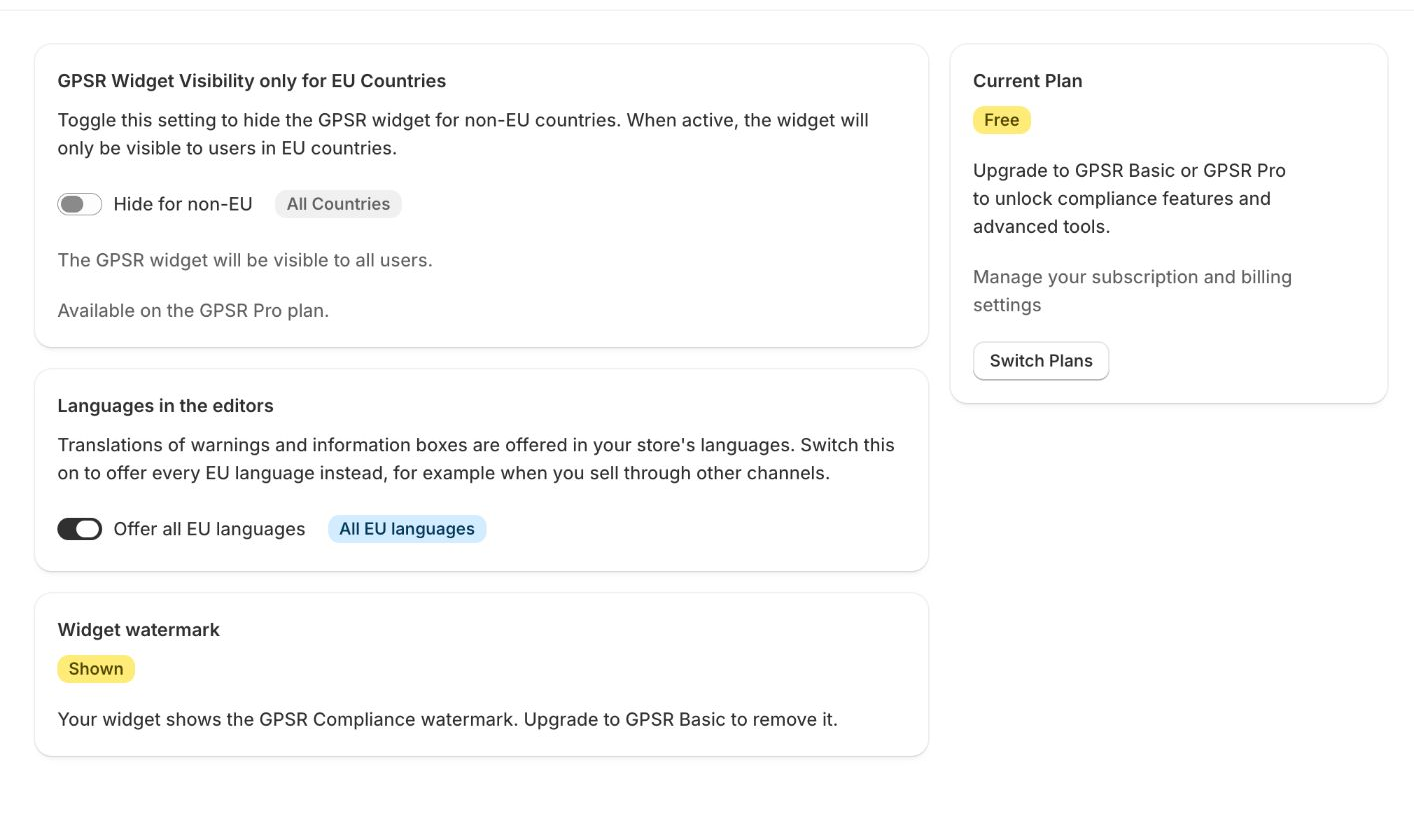
Current plan
Shows your plan (Free, GPSR Basic or GPSR Pro) with a short description of what it includes. Click Switch Plans to change it. See Plans & Features.
Widget watermark
Shows whether the GPSR Compliance watermark is Shown or Removed on your widget. Removing it requires GPSR Basic or higher.
Show the widget only to visitors from the EU
Available on GPSR Pro.
When this is on, the widget is hidden for visitors from outside the EU. When it is off (the default), the widget is shown to everyone.
- The badge shows Only EU or All Countries.
- Use Hide for non-EU or Show for all to switch.
- The app shows the list of countries that count as EU.
- Your visitor’s location is detected in their browser when the page loads, so it is only as accurate as the location lookup. A visitor using a VPN may be placed in another country.
- In the theme editor, a notice reminds you that the widget is configured to hide for non-EU visitors. The notice is not shown to shoppers.
Note: Hiding the widget does not remove the data from your store. If you sell to the EU, check with your legal advisor whether hiding the information for some visitors is right for you.
Languages in the editors
By default, the translation fields for warnings, hazard texts and custom information boxes are offered in your store’s languages. This is also the setting that decides which languages you see in the product edit page.
Switch on Offer all EU languages to offer every EU language instead, for example when you sell through other channels or markets than your Shopify store languages.
The badge shows Store languages only or All EU languages.
